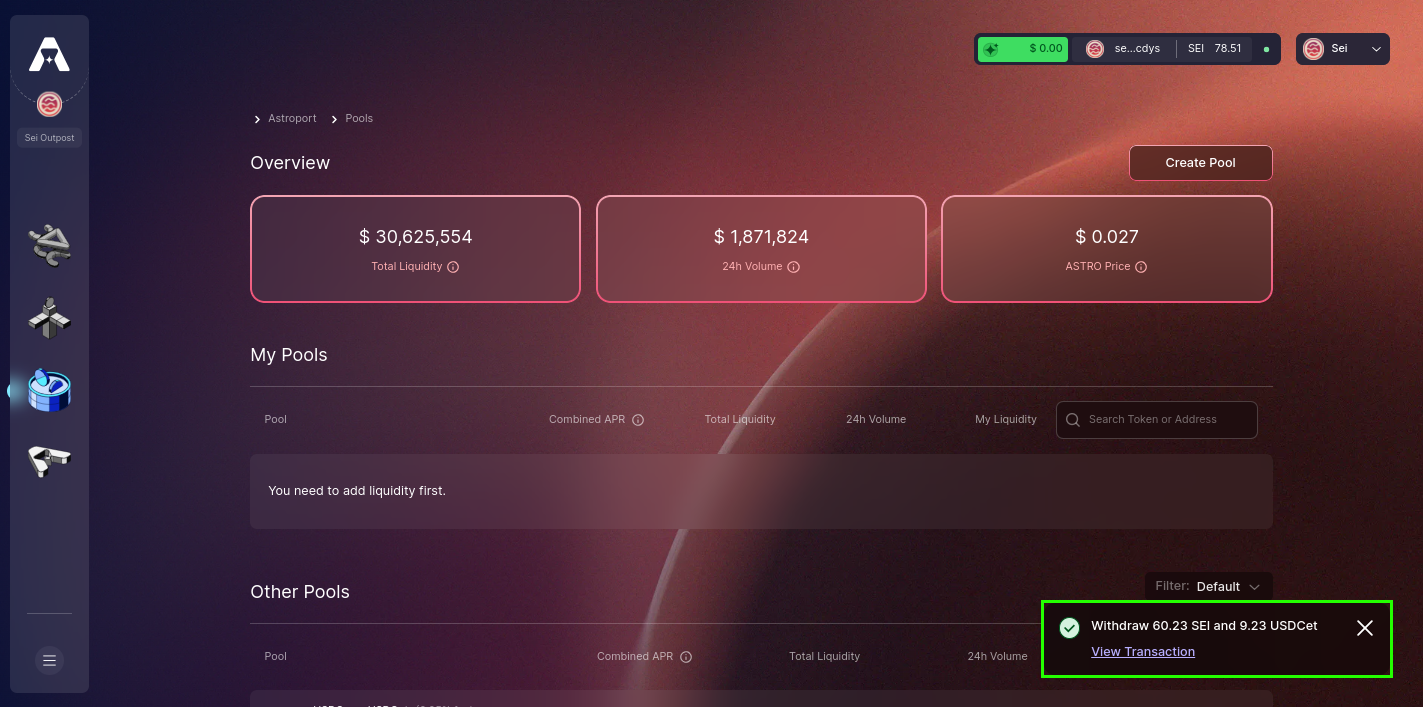
Withdrawing Liquidity
Taking control of your assets on Astroport is intuitive. In this tutorial, we'll guide you through the steps of withdrawing liquidity, ensuring you have a smooth and transparent experience from start to finish.
Step 1: Access Astroport and Link Your Wallet
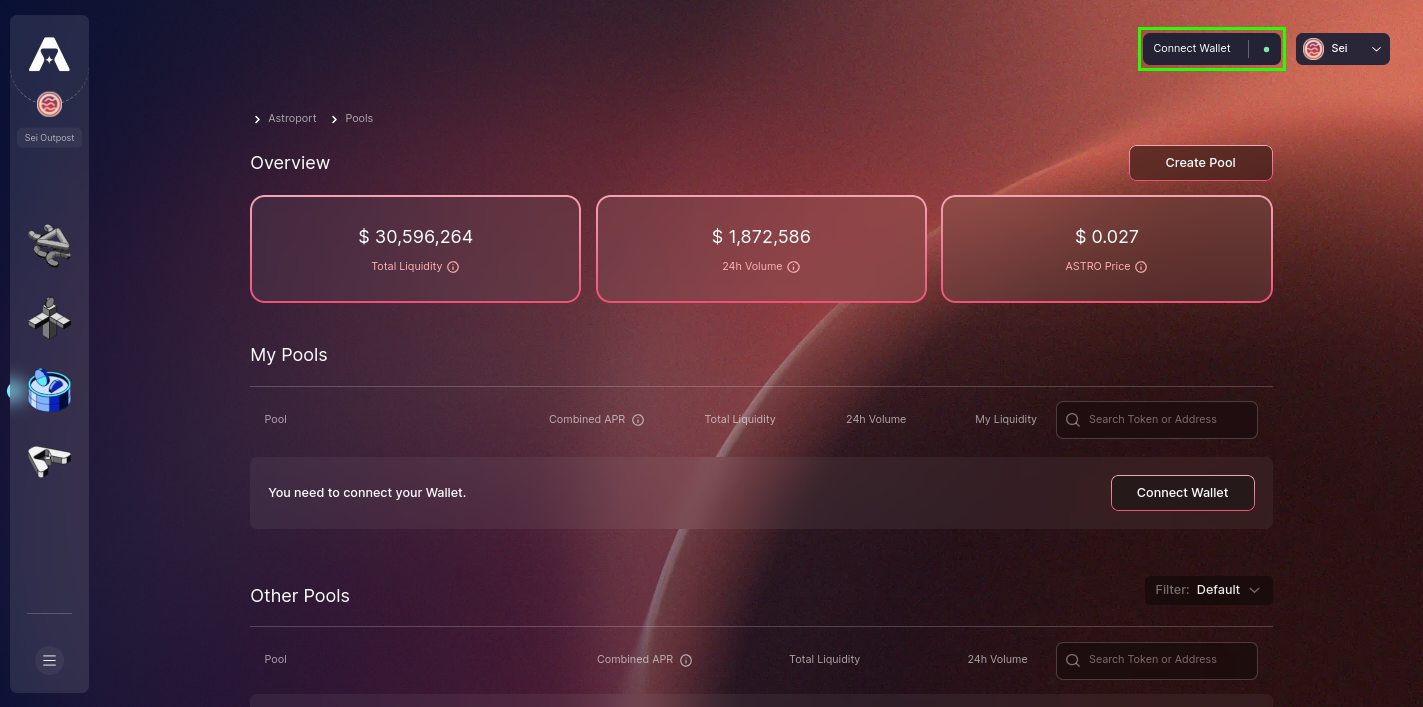
Begin at sei.astroport.fi/pools. Press "Connect Wallet" to continue.
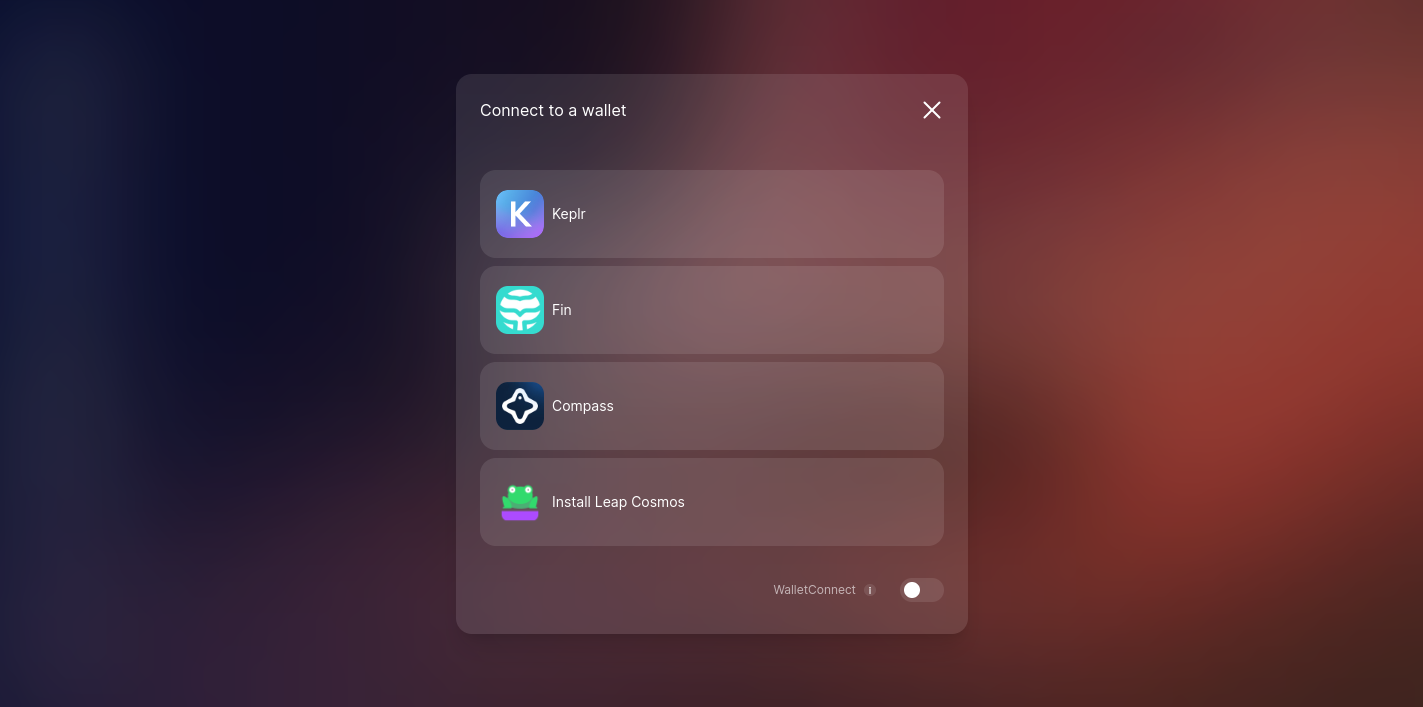
A variety of wallet choices will appear for your selection.
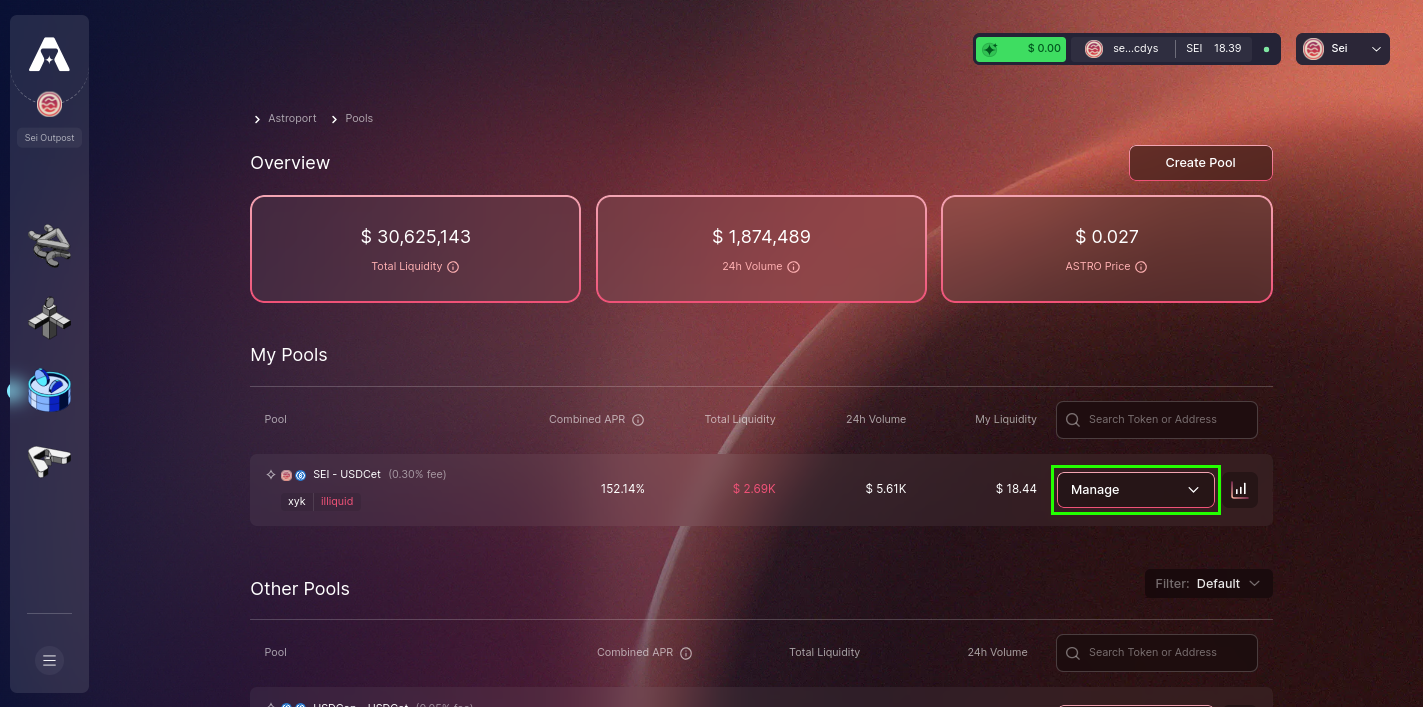
Step 2: Choose a Liquidity Pool to Manage
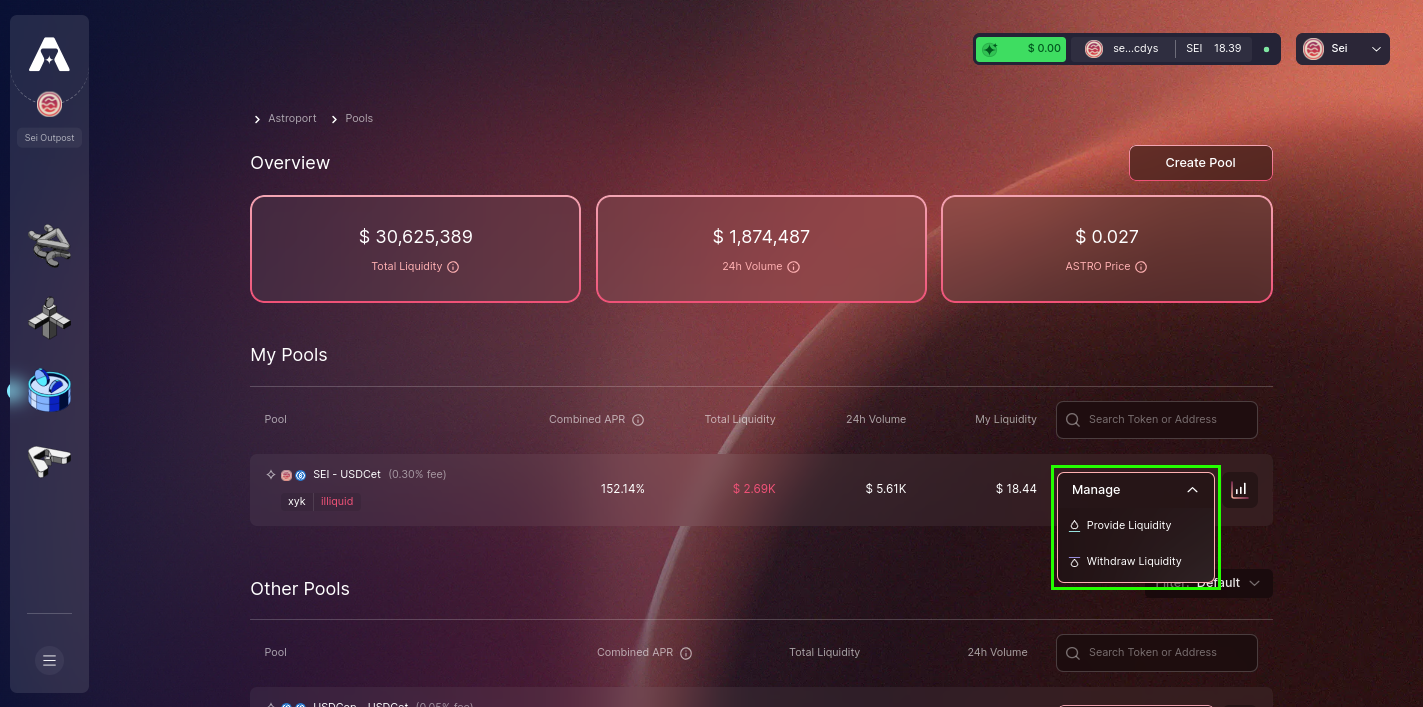
Identify and select the specific pool you're interested in. Once you've pinpointed it, click "Manage".
Step 3: Navigate to the Withdraw Liquidity Page
Select the "withdraw liquidity" option to be directed to the dedicated page where you'll specify your withdrawal details.
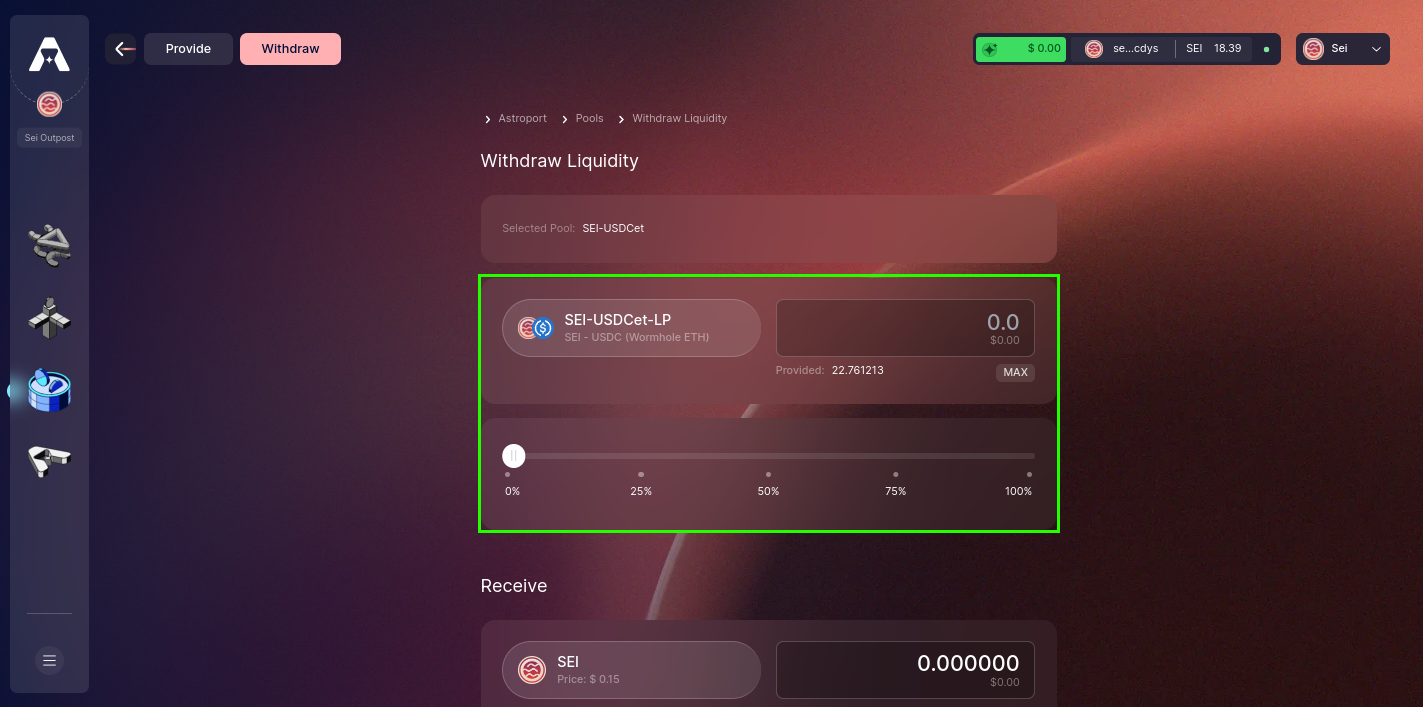
Step 4: Enter the Number of LP Tokens to Withdraw
Indicate the exact number of LP tokens you aim to withdraw. These LP tokens will be burned, and in exchange, you'll receive the tokens that make up the pair.
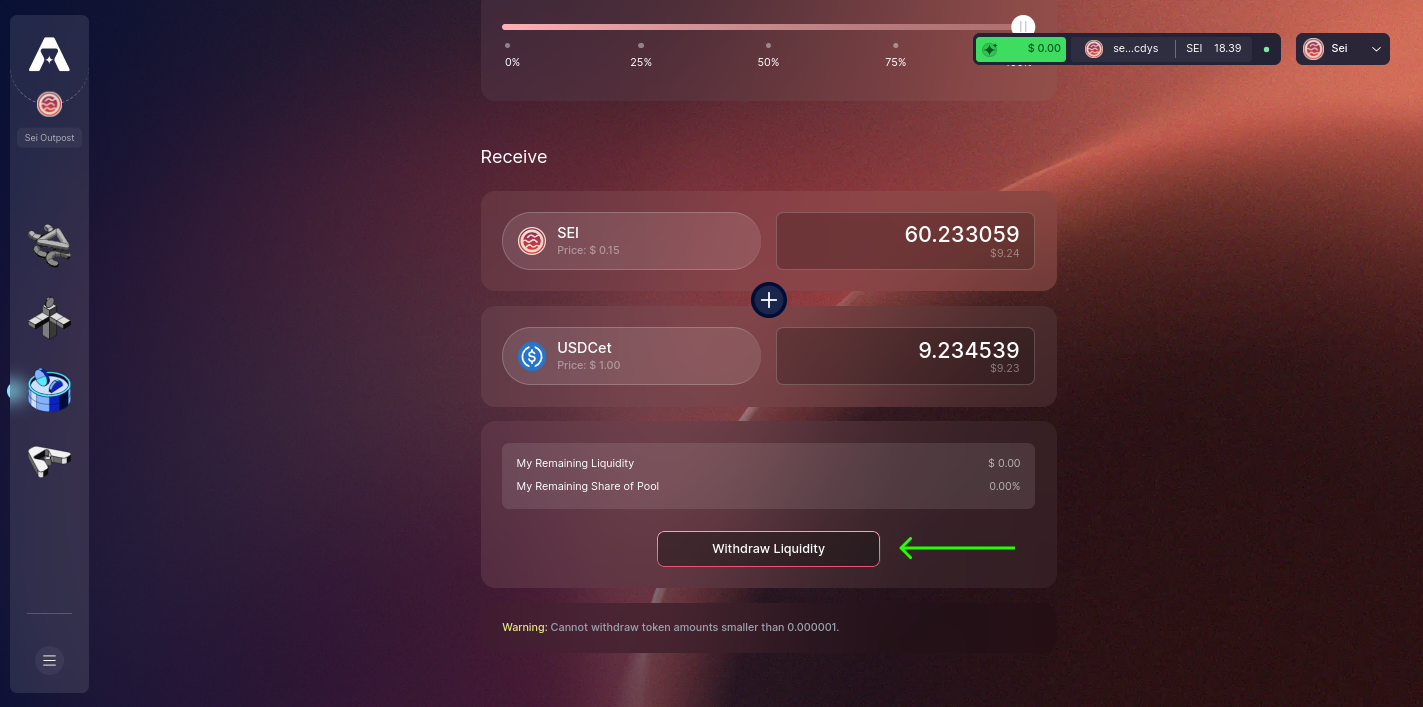
Step 5: Initiate the Withdrawal
Having determined the desired withdrawal amount, click on "Withdraw Liquidity" to move forward.
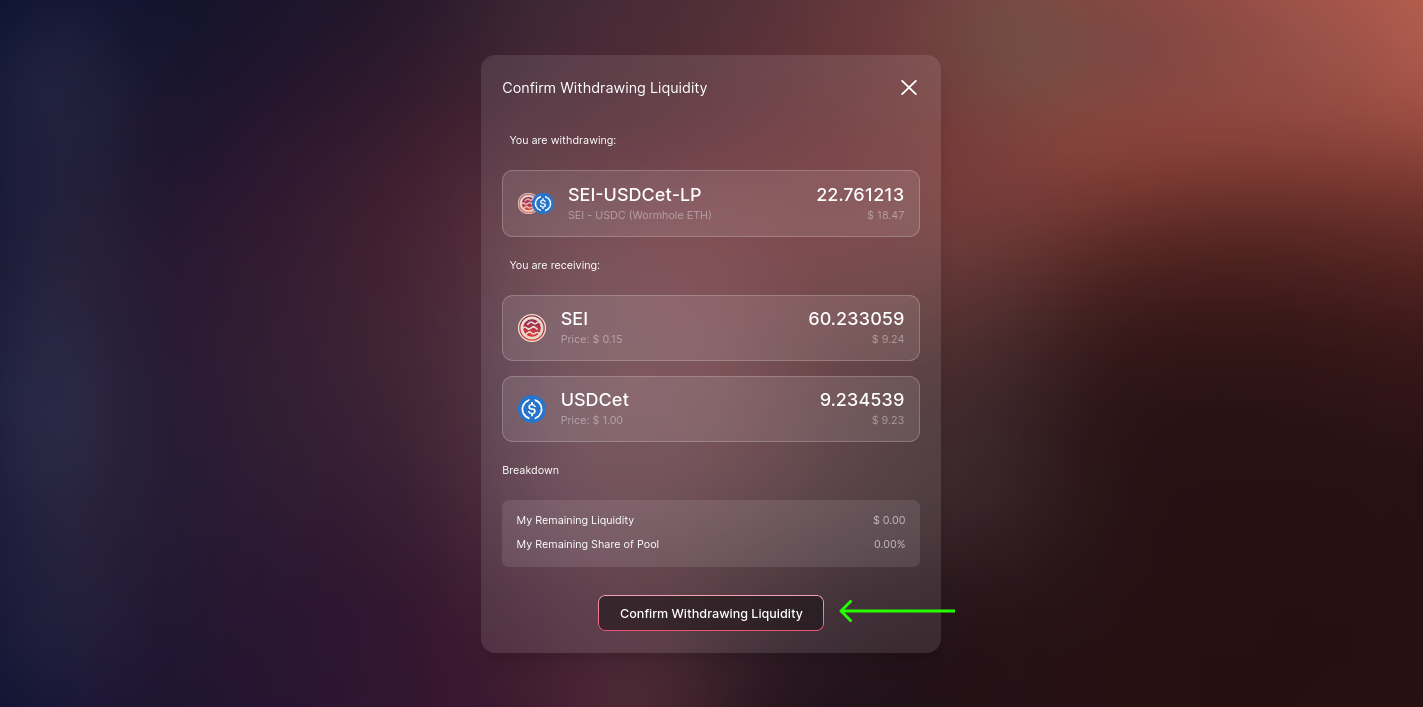
Step 6: Confirm Withdrawing Liquidity
A summary of your withdrawal will be presented. Review it and then select "Confirm Withdrawing Liquidity" to progress.
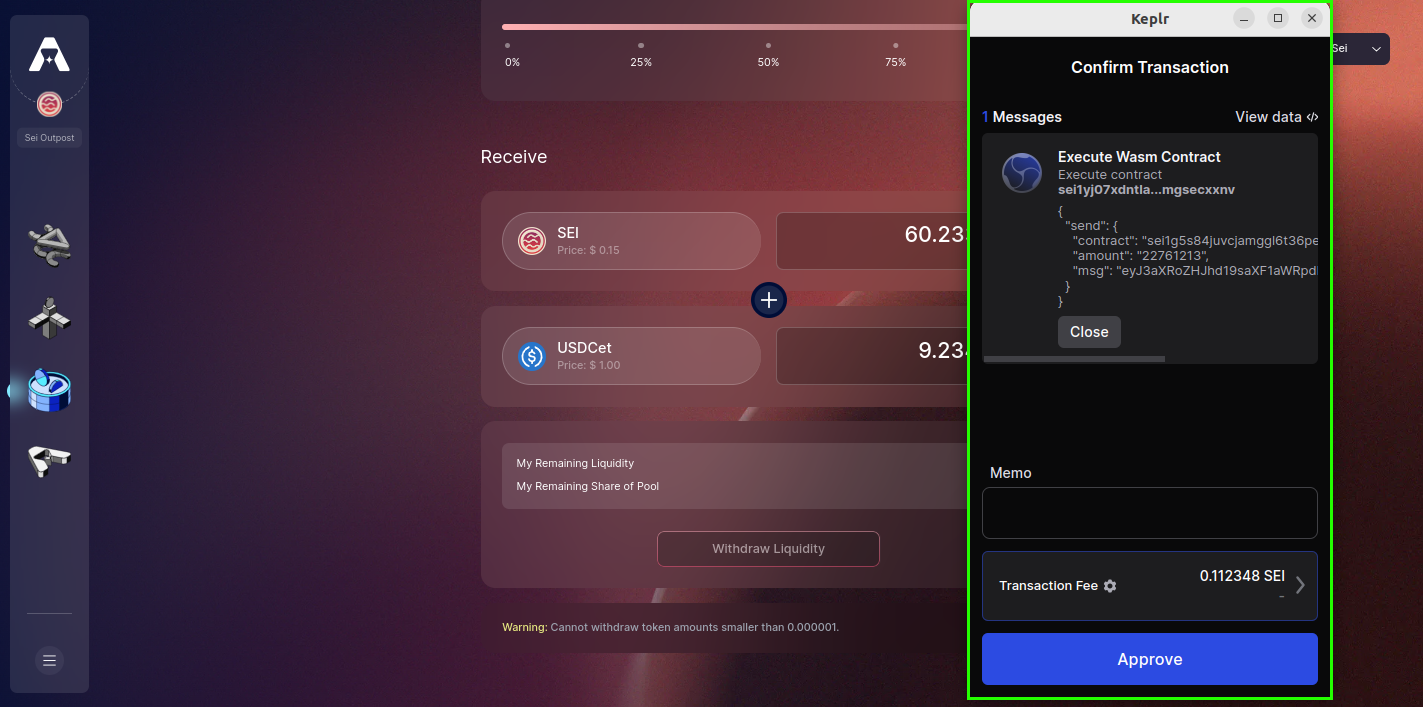
Step 7: Sign and Confirm Your Transaction
At this step, sign and confirm the transaction, solidifying your withdrawal from the selected pool.
Step 8: Withdrawal Completed!
Upon successful completion of the withdrawal, a confirmation notification will appear on your screen, indicating that the process was executed seamlessly.