Unstaking/Withdrawing Liquidity
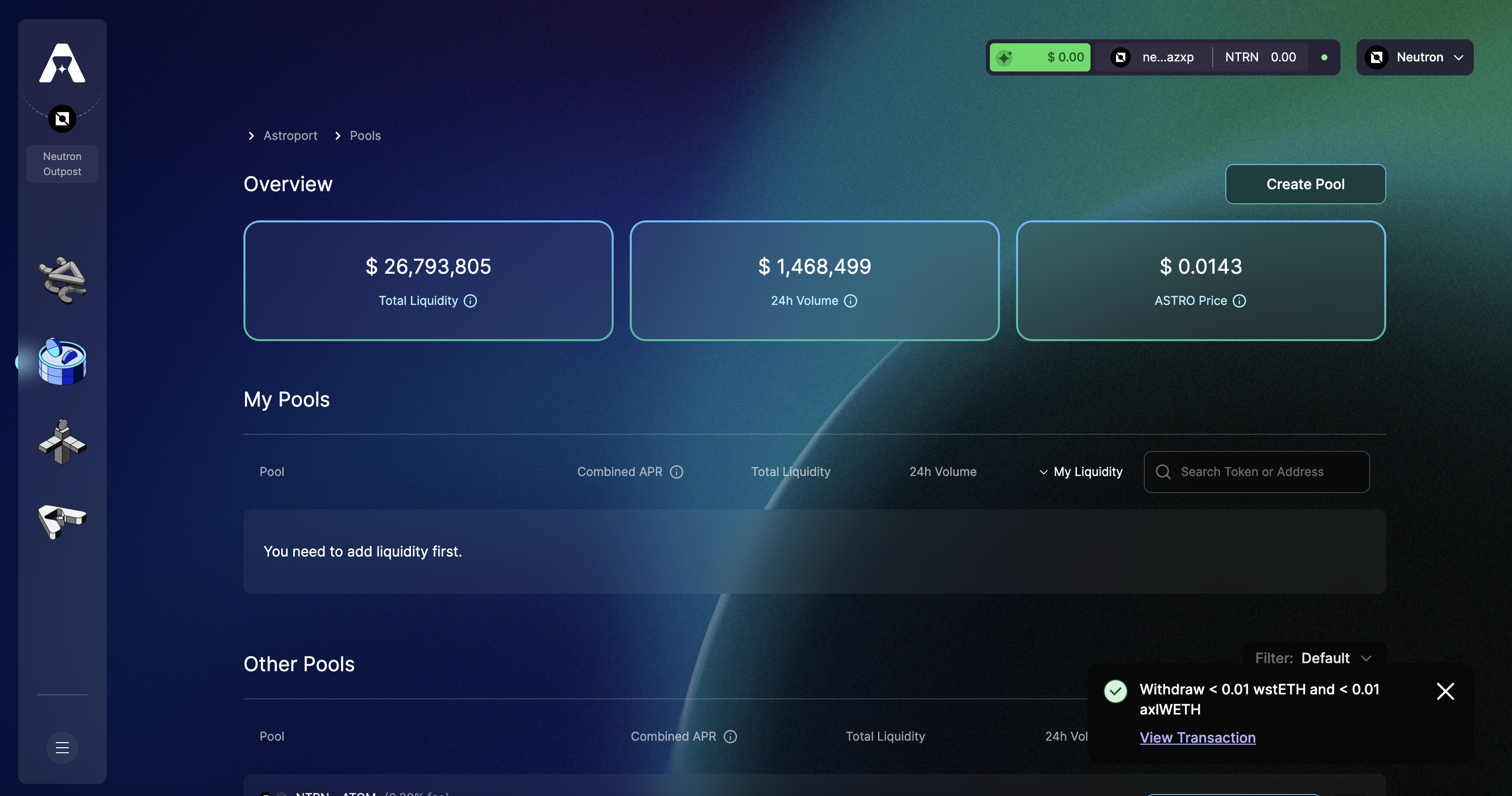
Step 1: Head over to neutron.astroport.fi/pools
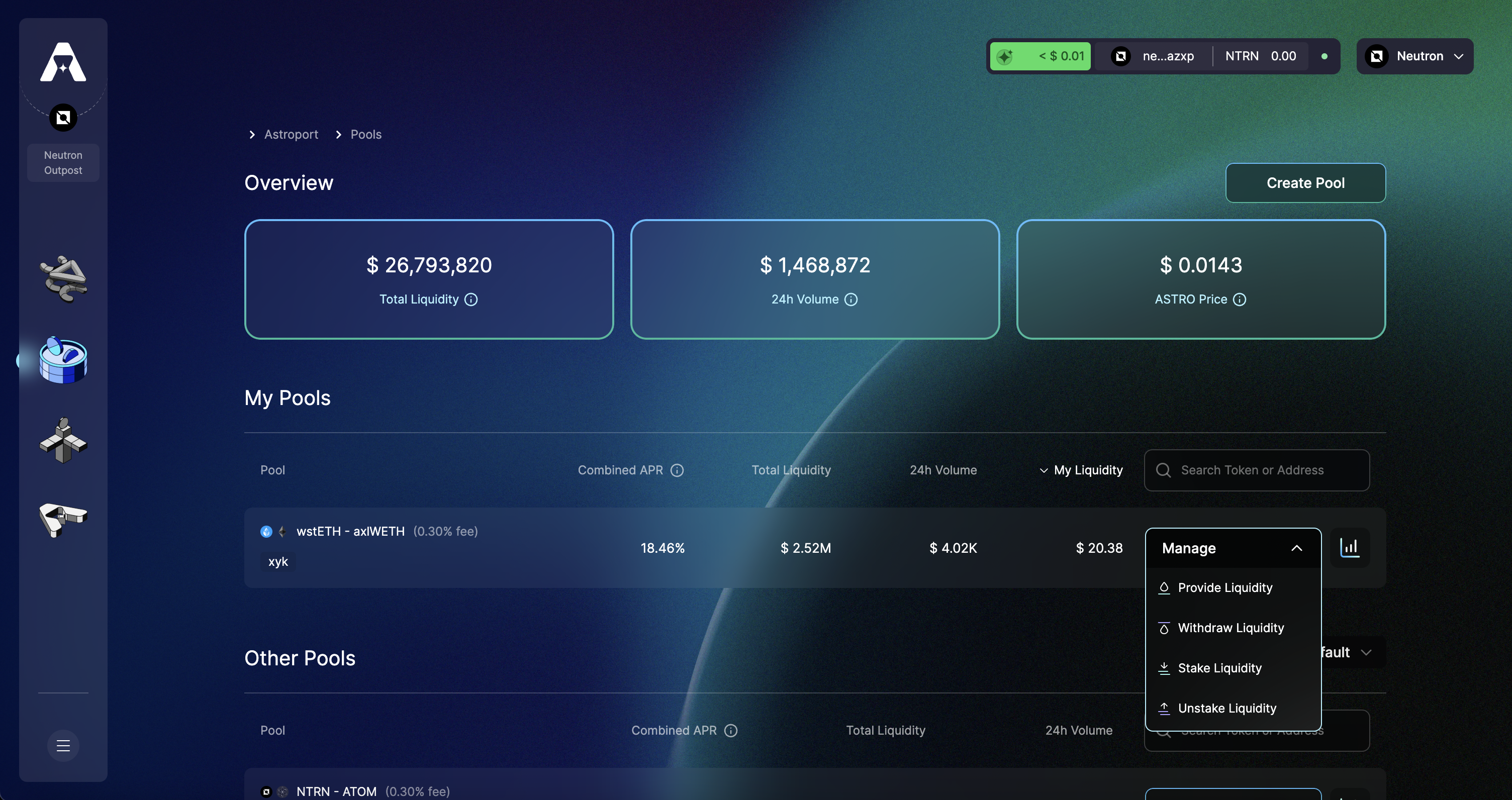
To withdraw our liquidity, we will first need to unstake our LP tokens. Select the Manage tab and "Unstake" to continue.
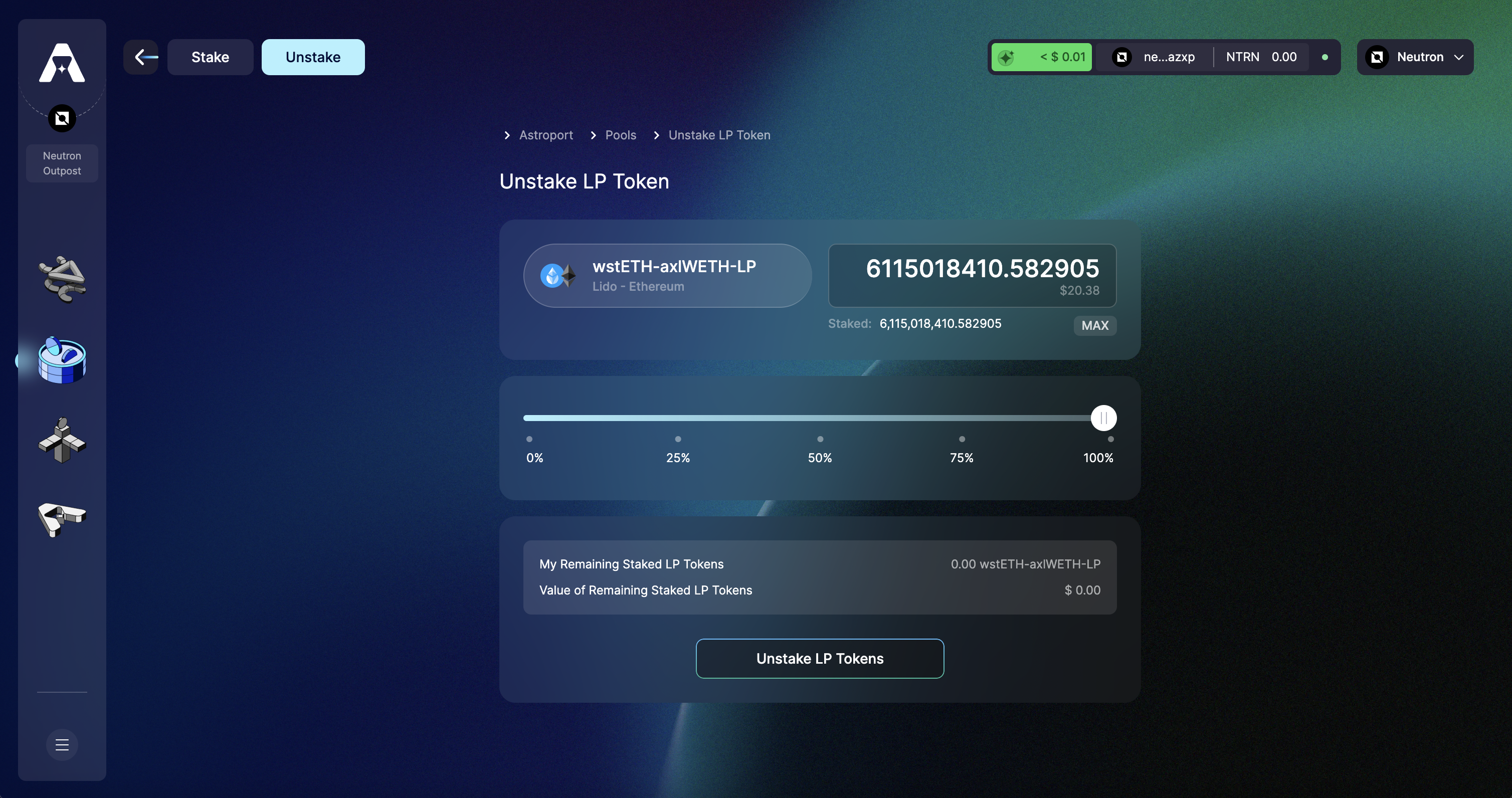
Step 2: Select Amount of LP Tokens to Unstake
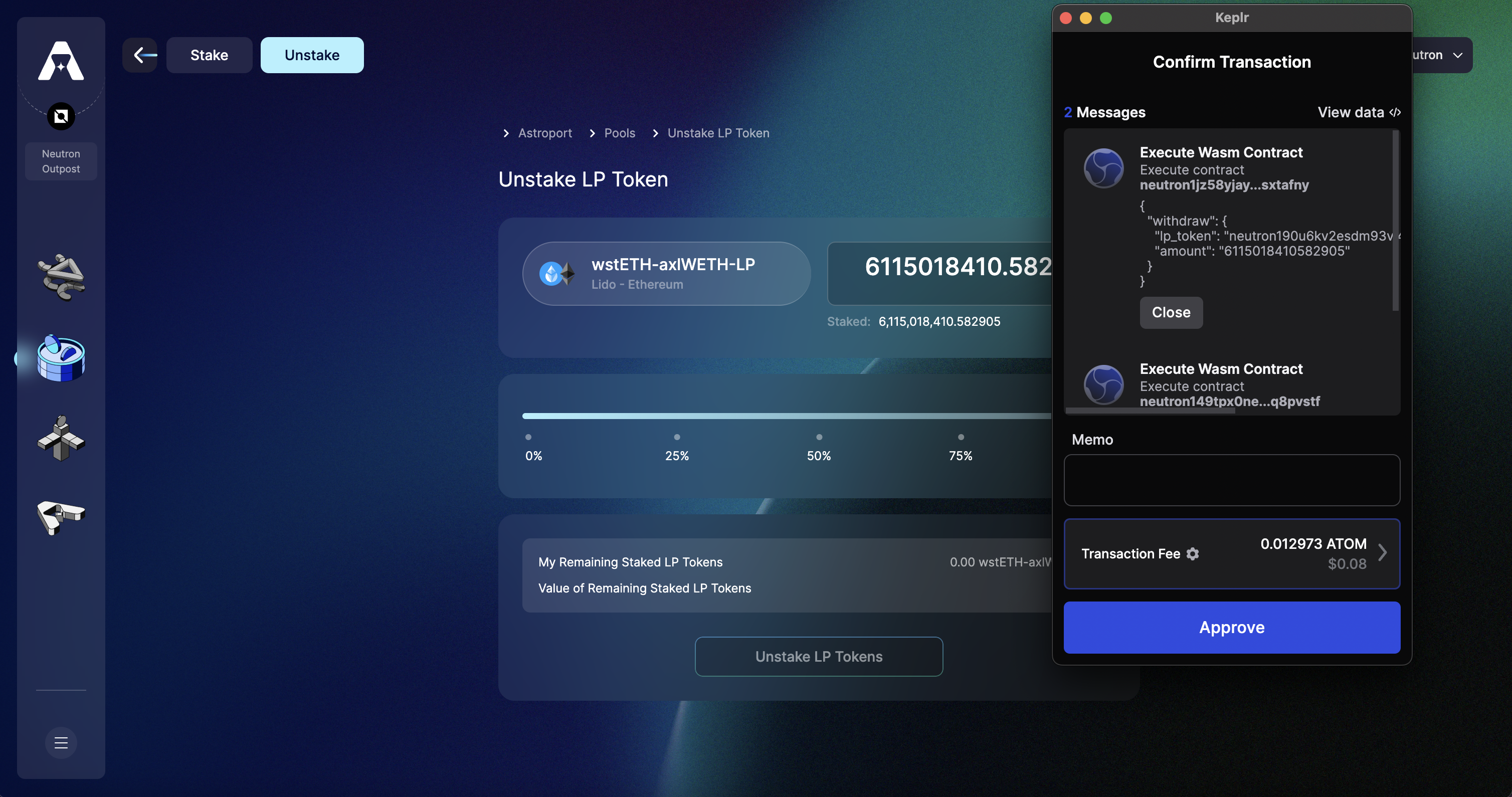
Select "Unstake LP Tokens" to continue.
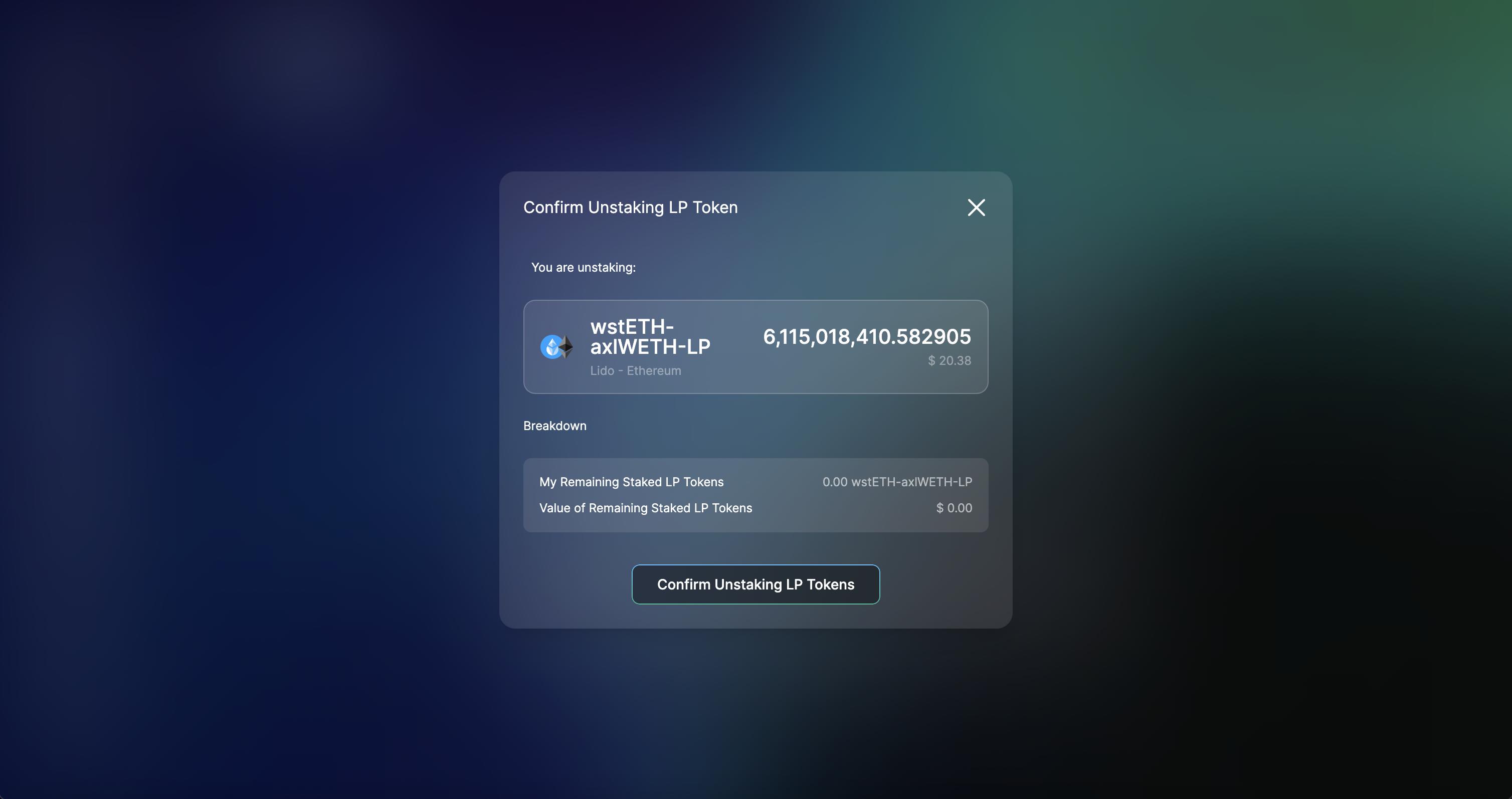
Step 3: Confirm and Sign Transaction
You will be prompted to confirm the transaction. Select "Confirm Unstaking LP Tokens" to continue.
Sign the transaction using your wallet to continue.
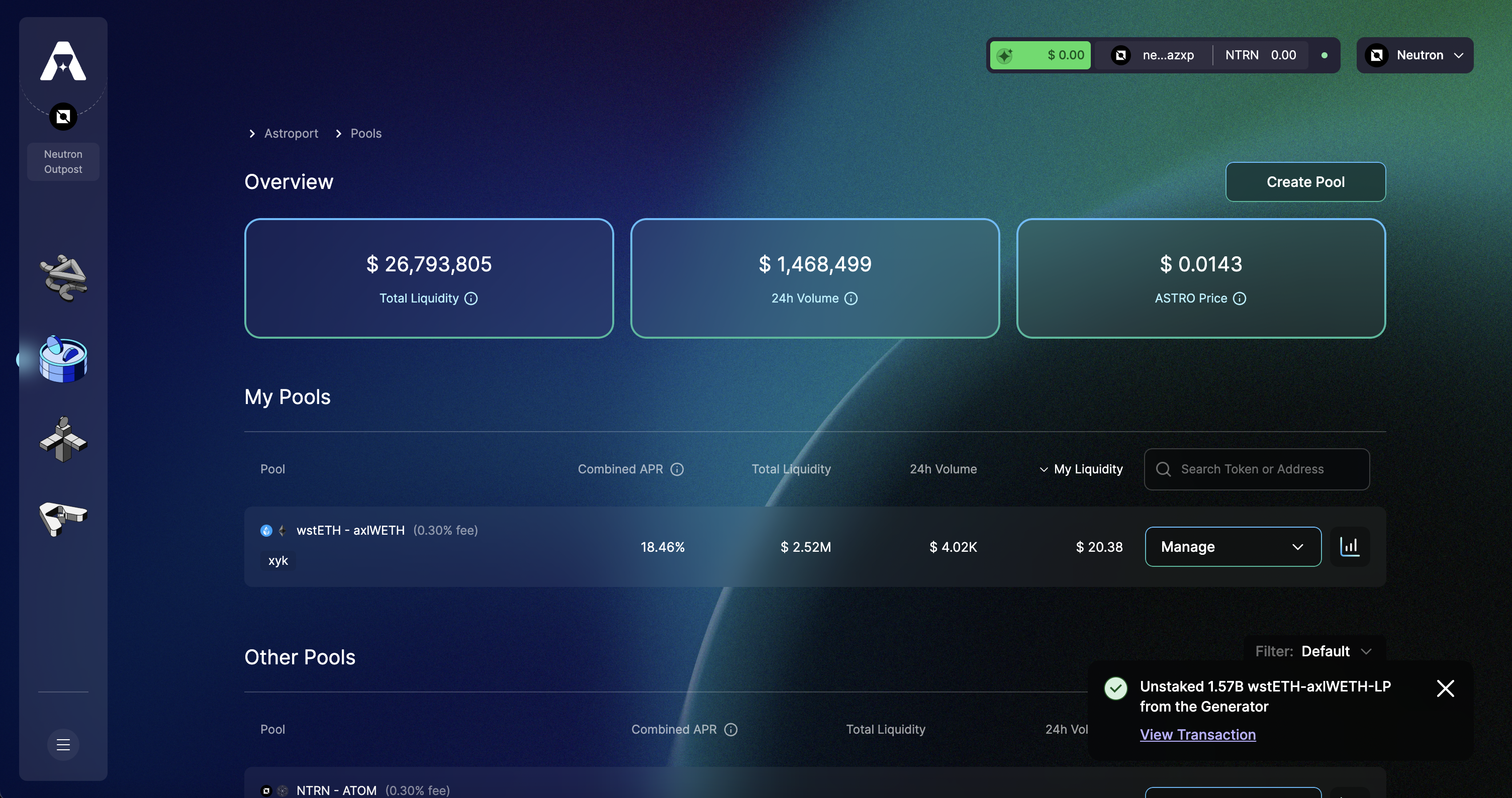
You will be prompted with a notification on your screen once your LP tokens have been unstaked. You can now continue to withdrawing your LP tokens.
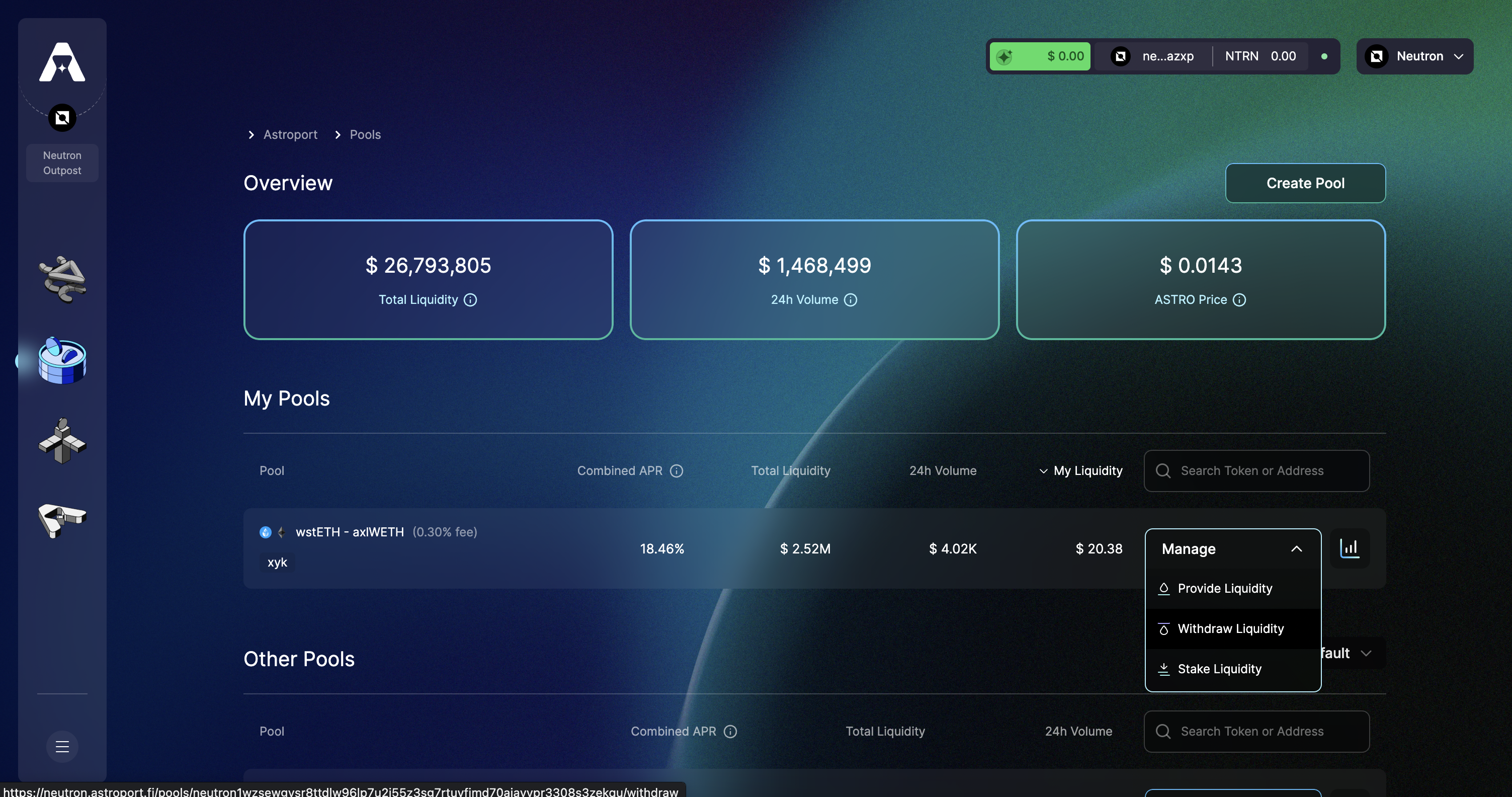
Step 4: Withdraw LP tokens
Head back to the pools page, select "Manage" and "Withdraw Liquidity" to withdraw your LP tokens.
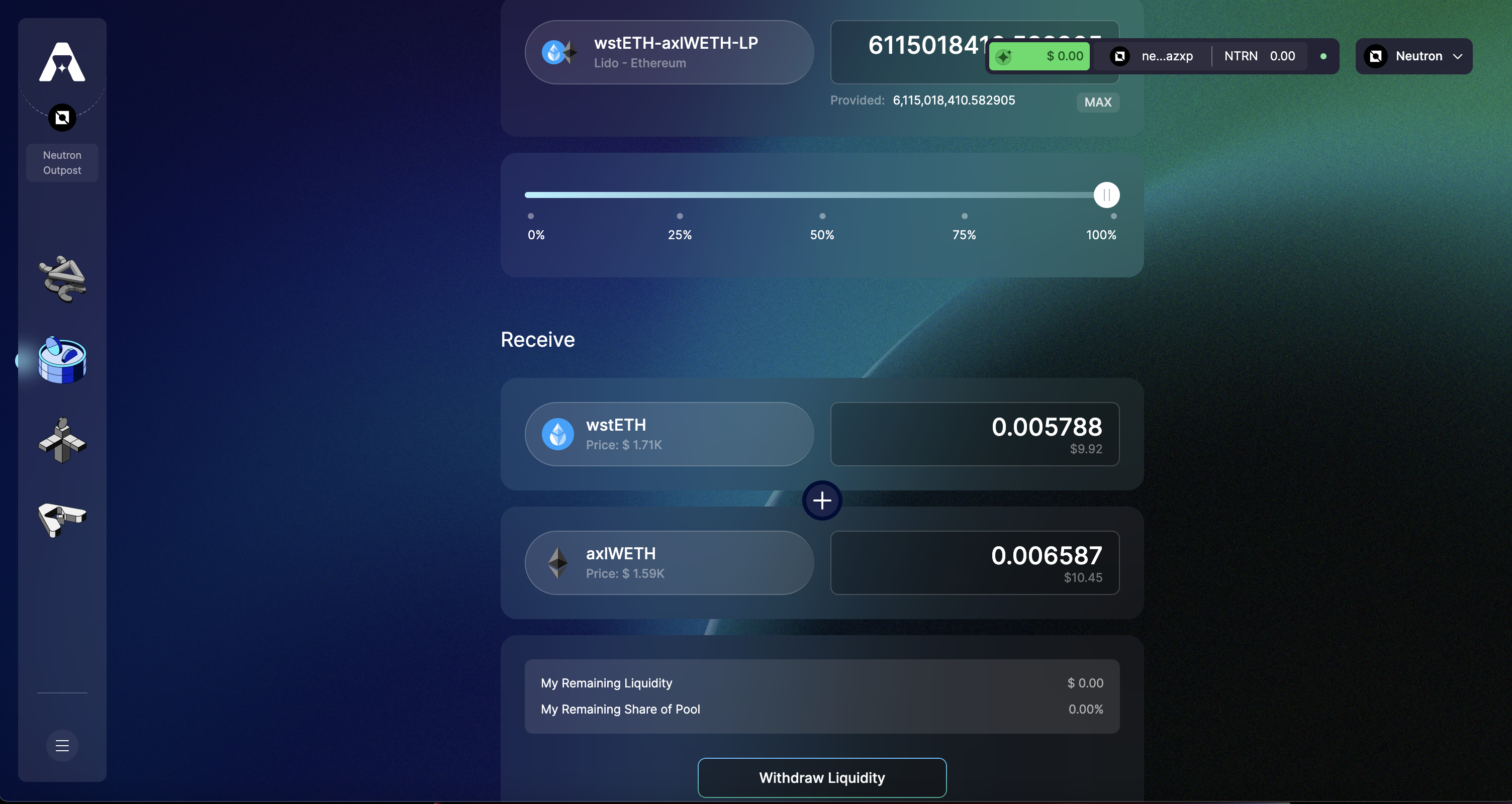
Step 5: Select an Amount to Withdraw
Select "Withdraw Liquidity" to continue.
Step 6: Confirm and Sign Transaction
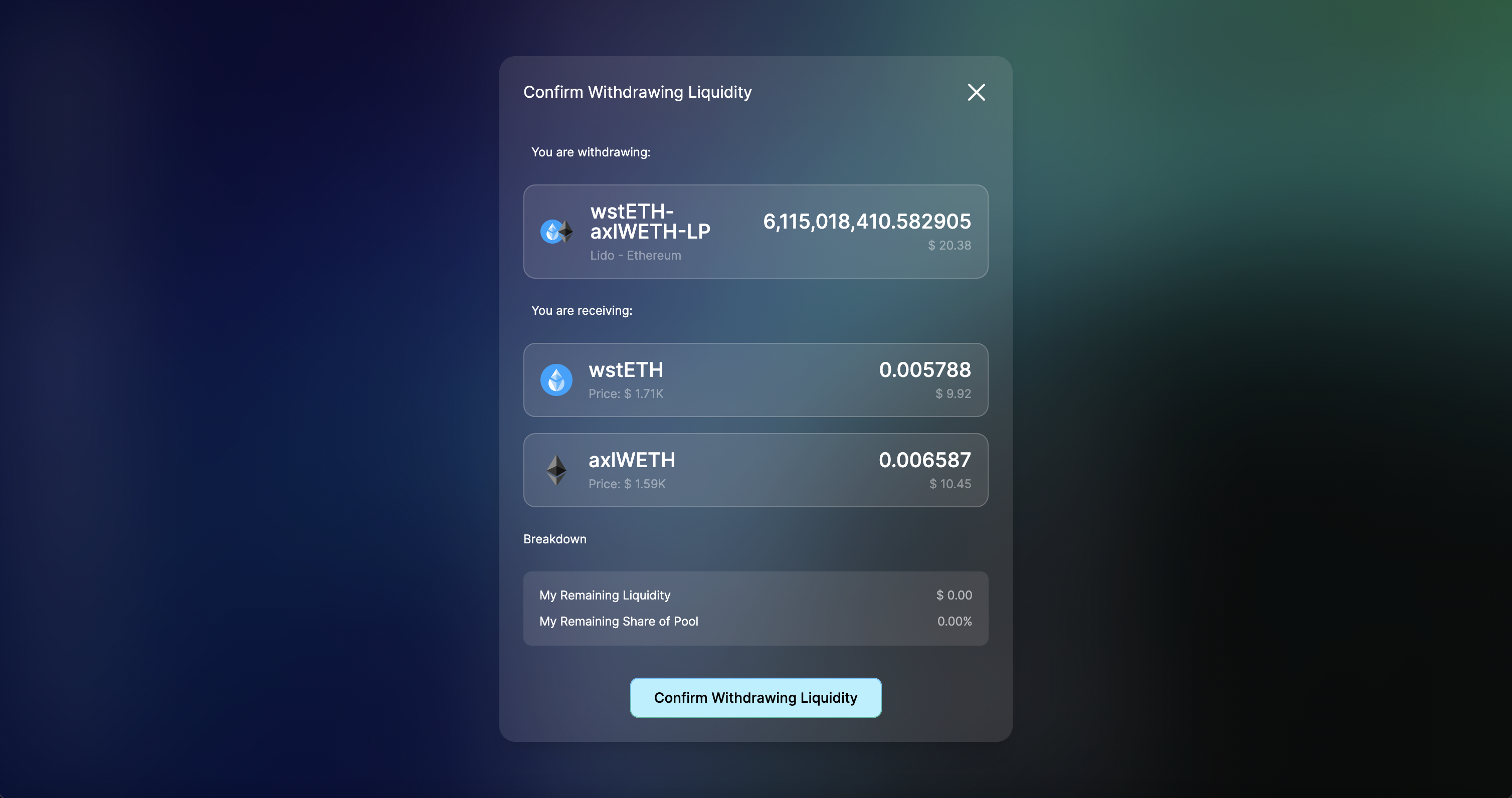
You will be prompted to confirm the transaction. Select "Confirm Withdrawing Liquidity" to continue.
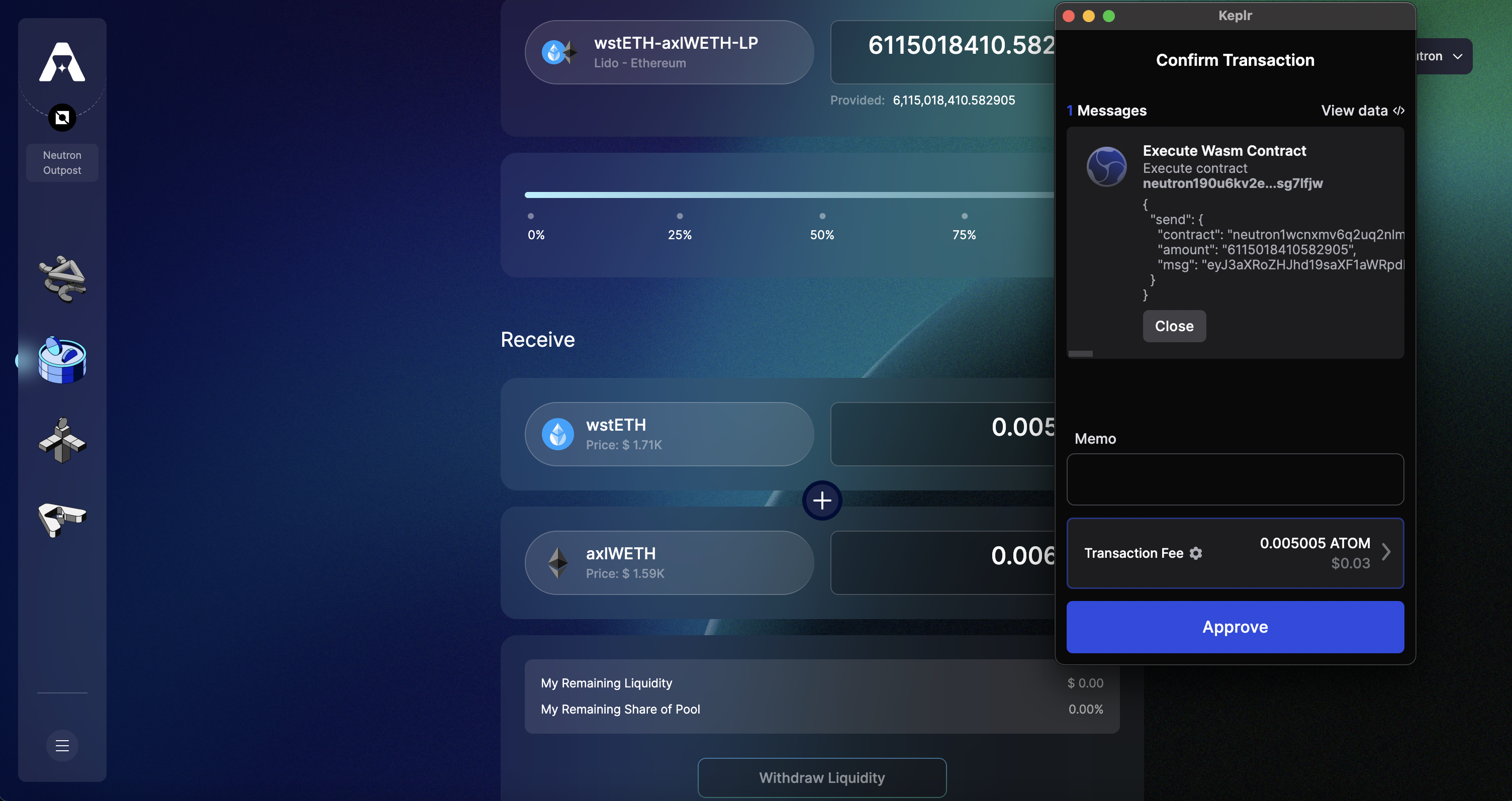
Sign the transaction using your wallet to continue.
You will be prompted with a notification on your screen once your liquidity has been withdrawn.